# Beginner's guide to useEffect hook in React
A few days ago, I wrote an [article](https://livecode247.com/react-hooks-usestate) on how to use the `useState` hook. Another important hook provided by React is the `useEffect` hook.
Now, if you've used React Class based Components, then useEffect will help you replace functions like `componentDidMount`, `componentDidUpdate`, etc.
## Prerequisites
- Basic knowledge of ReactJS
## How to use?
**useEffect** takes in two arguments. A function, and an array of dependencies like so:
```js
useEffect(function, [dependencies])
```
Let's start with the function argument
### Function Argument
Let's use the example I used in the [`useState` article.](https://livecode247.com/react-hooks-usestate)
src/App.js
```jsx
import { useState } from "react";
function App() {
const [count, setCount] = useState(1);
function incrementCount() {
setCount(count + 1);
}
return (
Hello, World
{count}
);
}
export default App;
```
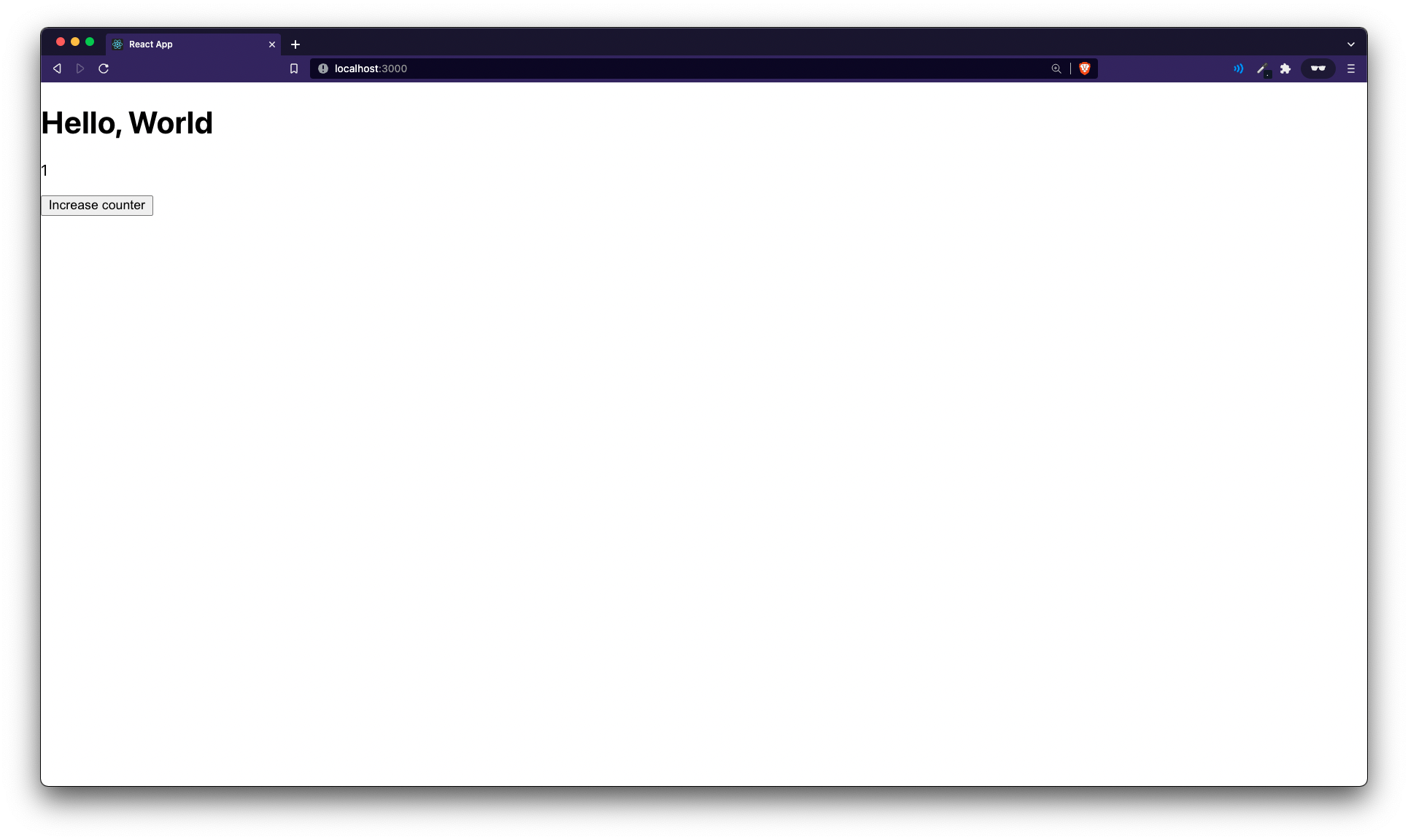
Will give you something like this:
Now make these code:
src/App.js
```diff
- import { useState } from "react";
+ import { useState, useEffect } from "react";
...
const [count, setCount] = useState(1);
+ useEffect(() => {
+ console.log("useEffect running");
+ });
...
```
Now, go to the browser, refresh the page, open up dev tools and move to console window
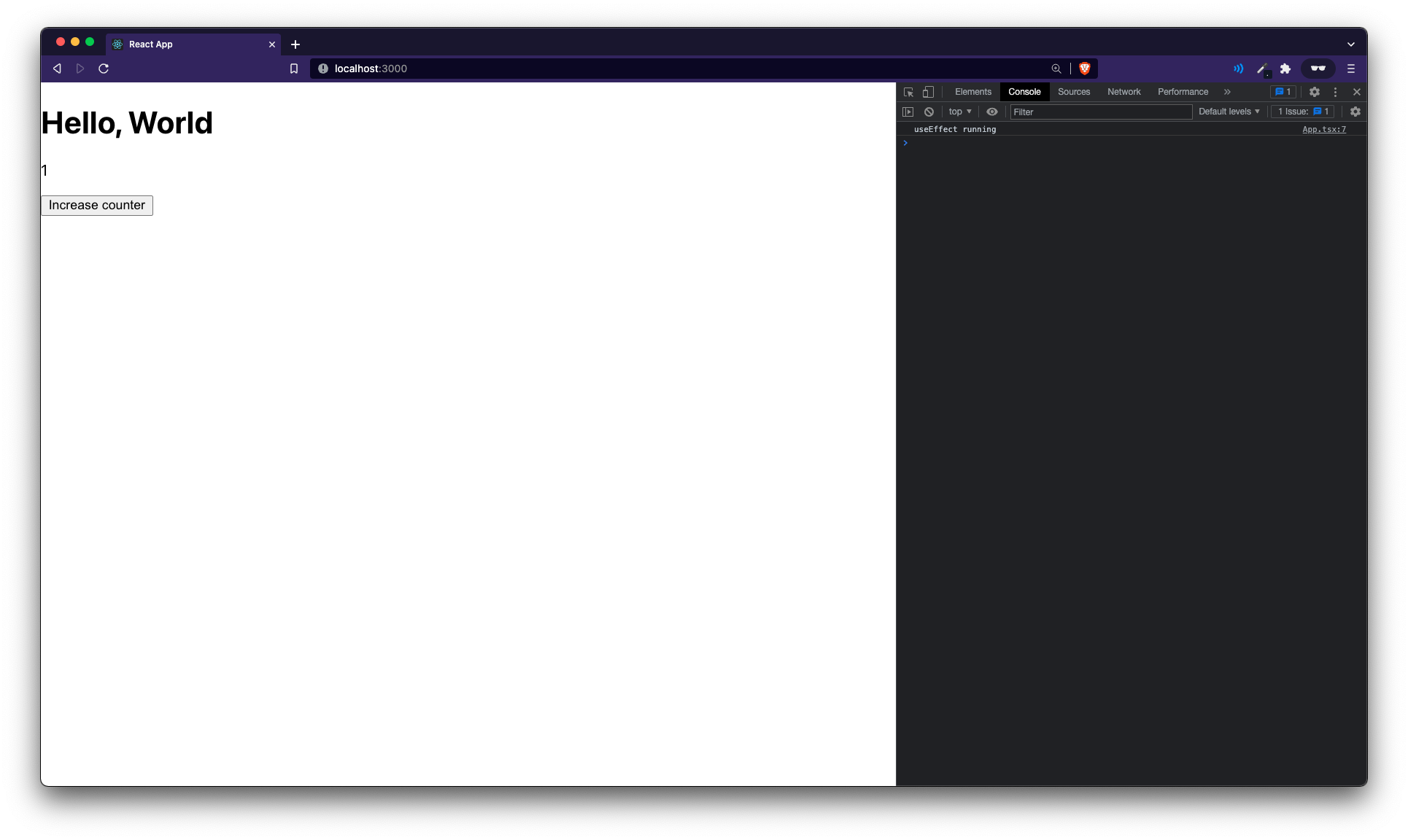
Looks like it's working! But WAIT. Try clicking on the button and notice what happens:
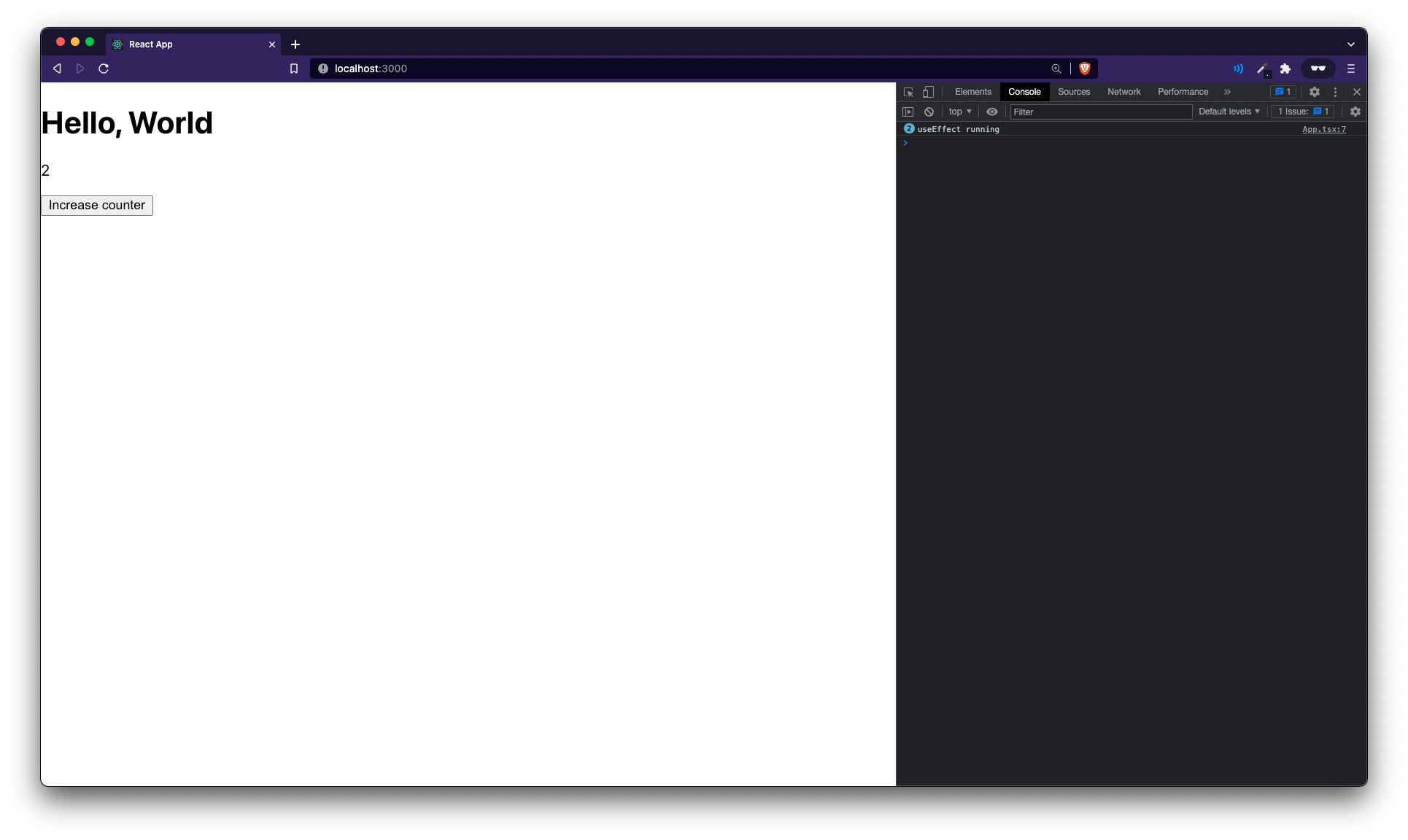
The useEffect ran again. This is because by default, useEffect runs on every single render. When you update the state, you're basically re-rendering the component, so the useEffect runs again. This might be useful in some cases.
### Replacement for `componentDidMount`
What if you want to run it only when the component mounts for the first time (like componentDidMount did). This is where the `dependency` argument comes into play. Make this change
src/App.js
```diff
- useEffect(() => {
- console.log("useEffect running");
- });
+ useEffect(() => {
+ console.log("useEffect running");
+ }, []);
```
You're passing in an empty array of dependencies. This basically means, run the useEffect loop only on first render.
> There is however still one difference between this and `componentDidMount`. `useEffect(fn, [])` runs after the first render to the DOM whereas `componentDidMount` runs after "mounting" the component but before it is actually rendered(shown) in the DOM.
### Run depending on a value
What if you want to run useEffect when a certain value changes. For eg. add this
src/App.js
```diff
const [count, setCount] = useState(1);
+ const [isDark, setIsDark] = useState(false);
...
+
```
Let's take that counter `p` tag to a different component for demonstration purposes
src/App.js
```jsx
function Counter({count}) {
return
{count}
;
}
```
src/App.js
```diff
...
Hello, World
-
{count}
+
...
```
Now say, on the `Counter` function, you want to take the `isDark` prop and every time it changes we want to send out a console.log saying that the `isDark` prop has changed.
First let's take the prop
src/App.js
```diff
-
+
...
- function Counter({ count }) {
+ function Counter({ count, isDark }) {
```
Now, if we add a useEffect hook like this:
src/App.js
```diff
function Counter({ count, isDark }) {
+ useEffect(() => {
+ console.log("isDark value changed")
+ }, [isDark])
```
Now, you will see a console.log everytime you click on the `Toggle isDark` button but notice that if you click on `Increase Counter`, you won't see a console.log because now the useEffect runs only when the isDark value changes and not on every render like we saw before!
So, that's it for this article. Hope you take something back from this article. There's a little more to useEffect like cleaning up functions which you can read about [here](https://reactjs.org/docs/hooks-reference.html#cleaning-up-an-effect).
The final code for this is as follows: