# Start a web server with Node.JS and Express
[Node.JS](https://nodejs.org/en/) and [Express](https://expressjs.com/) are two of the most used technologies in the web development world right now. It powers some big sites like Paypal, Wall Street Journal, Shutterstock and a lot more.
Getting started with Node.JS and Express is very easy.
## Requirements
- You should have Node.JS installed for this tutorial. If not, visit https://nodejs.org/en/ and download the **LTS Version**. This will also install [npm](https://nodejs.org/en/knowledge/getting-started/npm/what-is-npm/) which is a widely used package manager for Node.JS.
- You're also expected to have a basic knowledge of Javascript and Node.JS.
## Creating a project
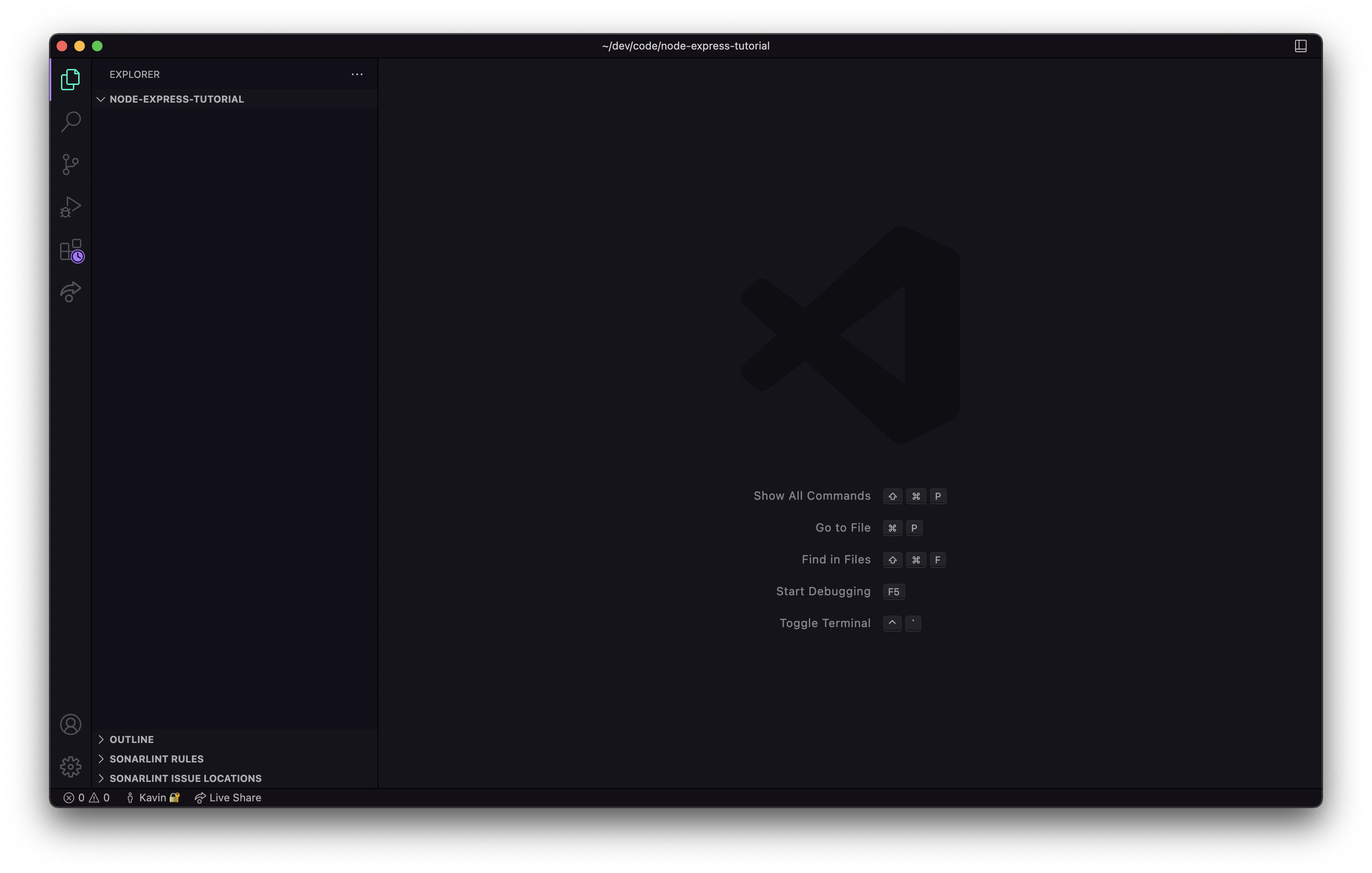
First, let's start off with creating a Node.JS project/directory. You can run the following two commands on the the terminal. Alternatively, you can create a folder from your file manager and open it in VS Code or any other code editor of your choice.
sh
```sh
mkdir node-express-tutorial
cd node-express-tutorial
code . # for Visual Studio Code users
```
## Configuring the folder to use npm
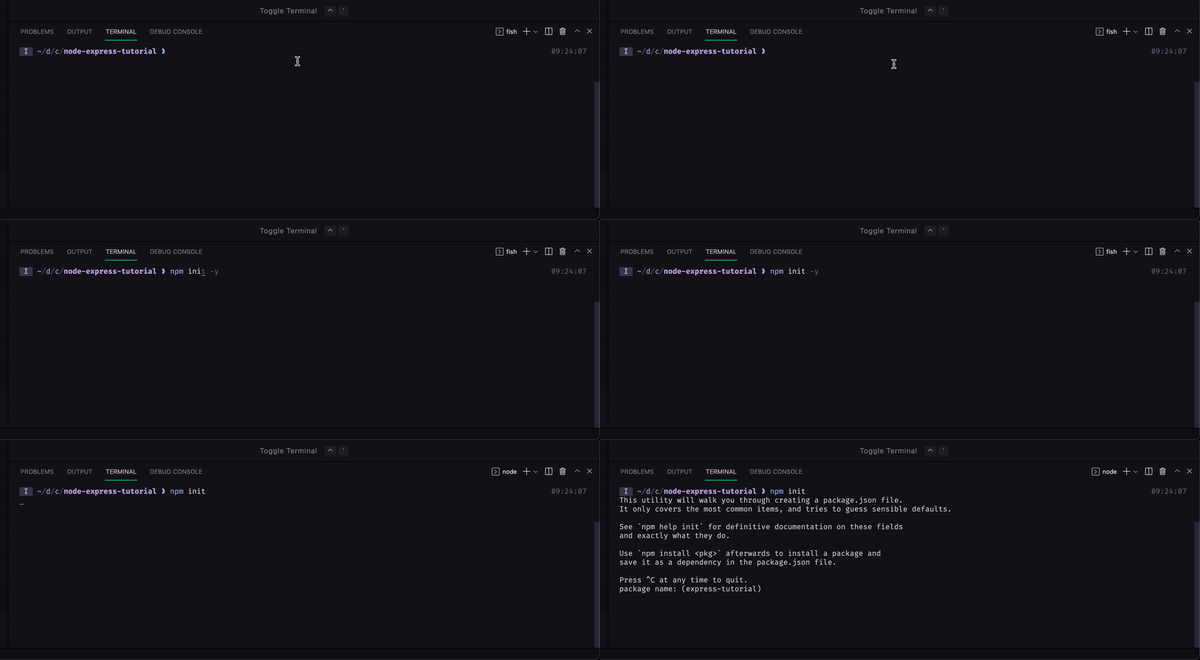
Run the following in the terminal.
sh
```sh
npm init
```
You will be prompted with a few questions. You can press enter through most of them.
> Alternatively, you can run `npm init -y` if you want to skip through all the questions with the default value.
## Starting with the coding part
So, start with creating a file named `index.js`. You can name it anything, just make sure you end it with `.js`.
> Conventionally, the file is named `index.js`, `server.js` or `app.js`.
## Installing express
Like most NodeJS packages, you can install express using npm. Run:
sh
```sh
npm install express
```
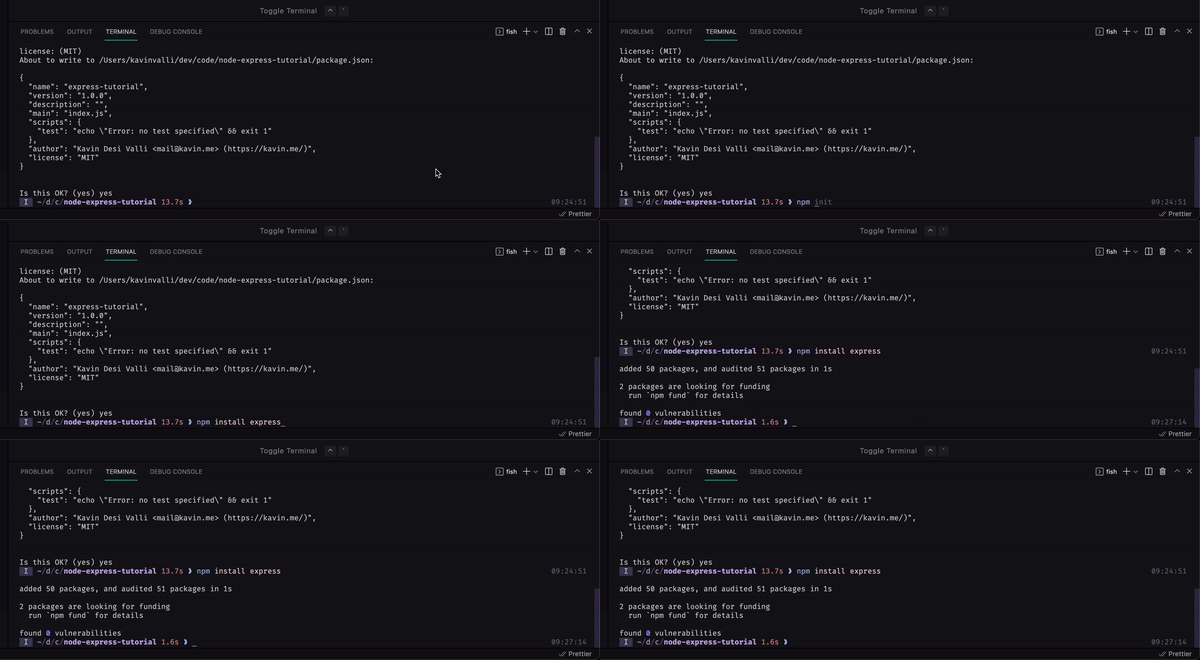
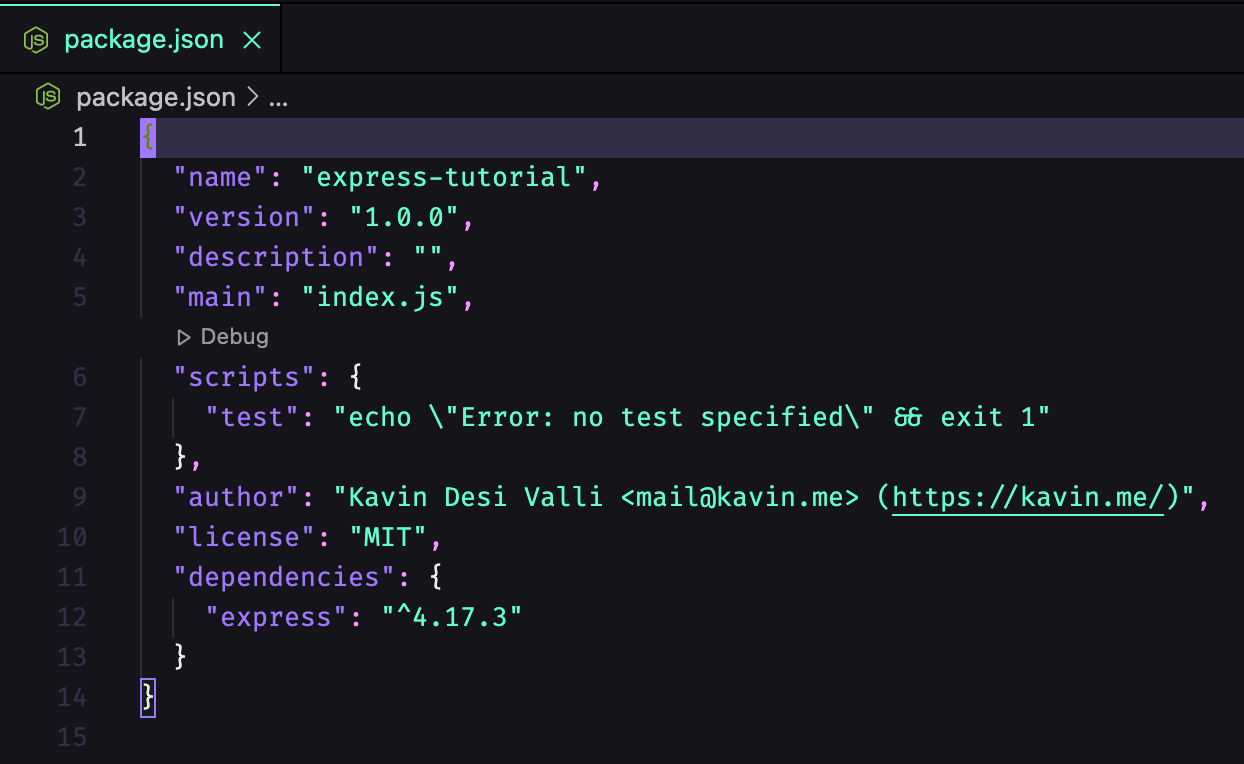
This will add express as a **dependency** in your `package.json` and also install it in your `node_modules` folder.
## Using express
In your `index.js` file, write the following:
index.js
```js
const express = require("express")
```
If you've used Node.JS before, this should look familiar. This line basically imports the express package.
Now, to use express, you need to instantiate the imported function. So:
index.js
```diff
const express = require("express")
+ const app = express()
```
Now, you can use the app variable to start the server like so:
index.js
```js
app.listen(3000, () => {
console.log(`🚀 Server started on port 3000`)
}
```
You've basically already created a web server. You can run the app by running
sh
```sh
node index.js
```
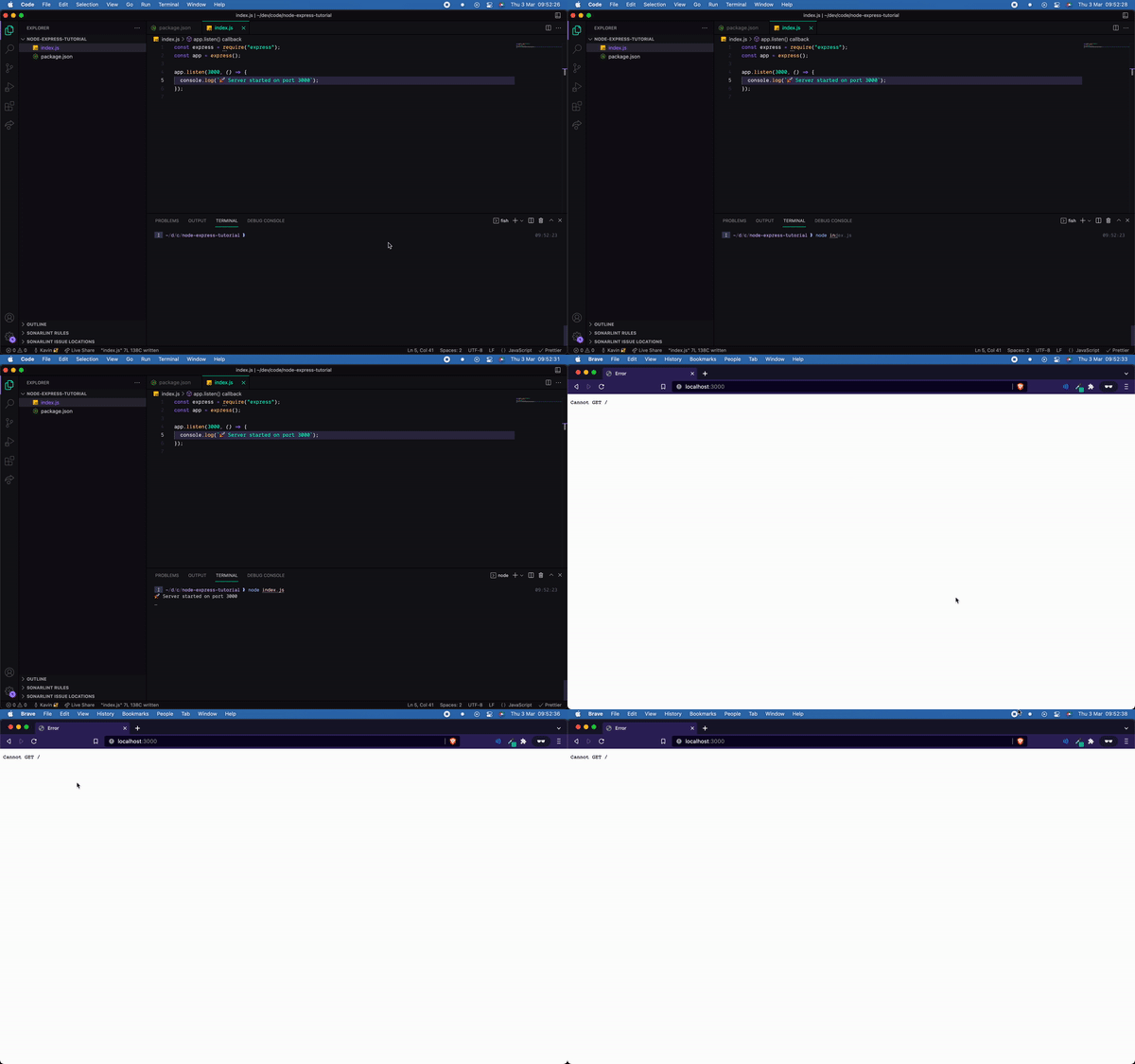
If you get something like in the above gif, you're good to go to the next step!
## Routes
So now, we've started an express server but it doesn't know what it has to do when we're visiting the `/` route. Hence we get the error:
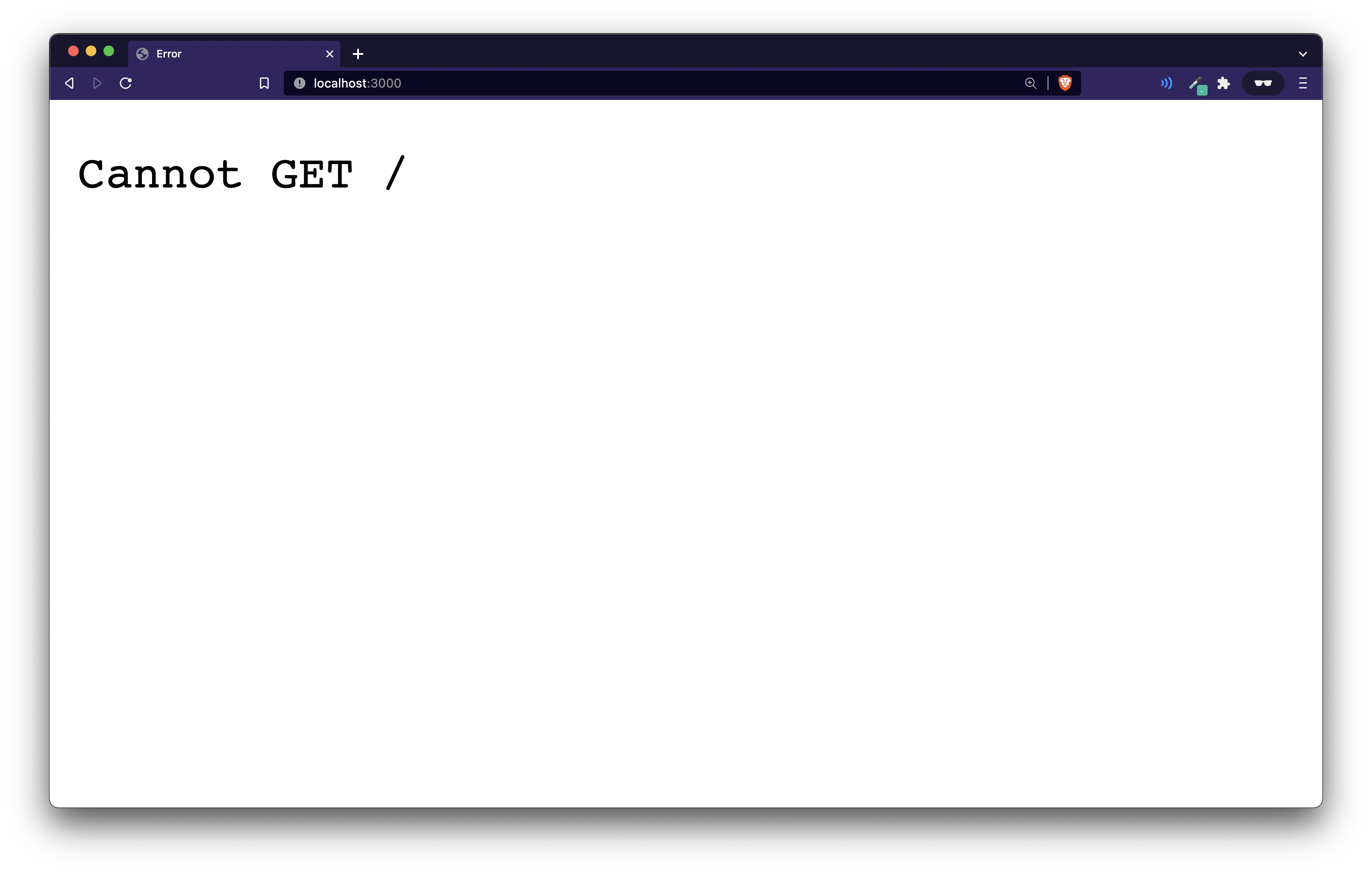
For this, add the following line of code before calling the `app.listen` function:
index.js
```js
app.get('/', (req, res) => {
return res.send("Hello, World")
})
```
Let's go through this code:
1. We call the `app.get` function. This takes in two parameters:
1. A route: The route on which you want to run this function. In this case we're using the `/` route.
2. A callback function: The second parameter is a callback function with the `request` and `response` parameters which express provides us with. The `res`(response) gives us a send function with which we can send back a text response to the browser.
Now, we need to restart the NodeJS server running. Go to the terminal where you had run `node index.js` and then hit `Control-C`. And then restart by typing `node index.js` again like so:
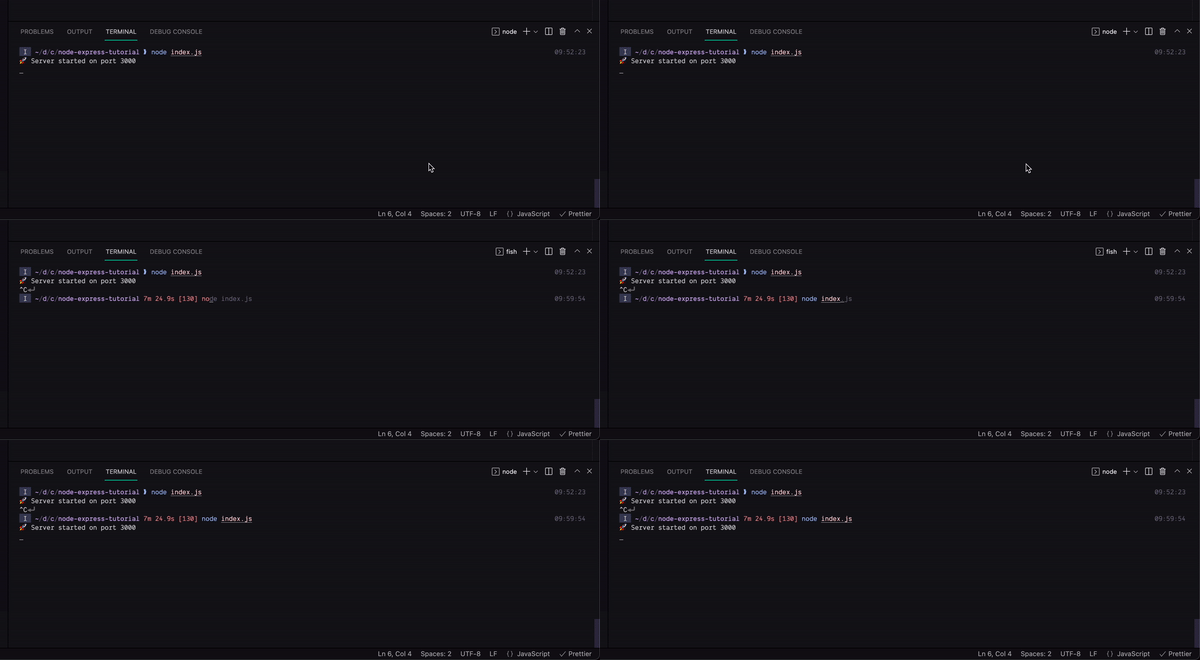
> BONUS: Restarting the node server repeatedly becomes very annoying. To deal with this, there's a package called `nodemon` which you can install and setup. For detailed instructions visit: https://livecode247.com/how-to-add-auto-reload-to-your-node-js-app
Now, refresh the page on the browser and you should see this:
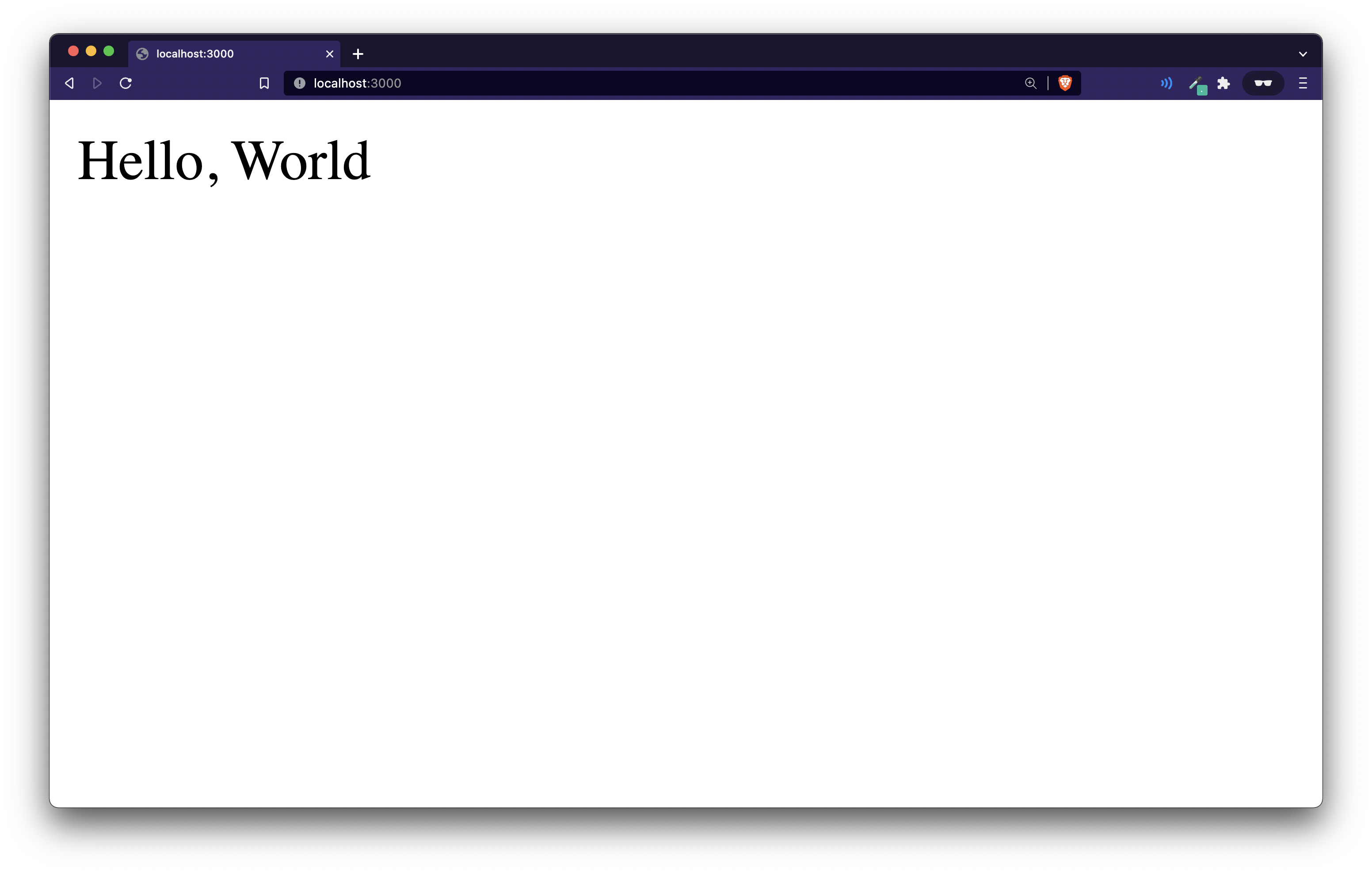
For the final step, you can refactor the port number like this
index.js
```diff
+ const port = process.env.PORT || 3000;
- app.listen(3000, () => {
- console.log(`🚀 Server started on port 3000`)
- }
+ app.listen(port, () => {
+ console.log(`🚀 Server started on port ${port}`);
+ });
```
`process.env.PORT` returns the PORT environment variable which is set in many hosting providers so it is a good practice to use that instead of hardcoding a port. We're saying that if it doesn't exist, use port 3000.
## Final Code
Your final code in `index.js` should look like this:
index.js
```js
const express = require("express");
const app = express();
app.get("/", (req, res) => {
return res.send("Hello, World");
});
const port = process.env.PORT || 3000;
app.listen(port, () => {
console.log(`🚀 Server started on port ${port}`);
});
```
That's it for this tutorial! Now express has a lot more stuff to offer you. Just yesterday, MDN released it's new [website](https://developer.mozilla.org/en-US/) and I found a very good in-depth tutorial on express. Do check it out [here](https://developer.mozilla.org/en-US/docs/Learn/Server-side/Express_Nodejs).