Apps in Django and starting with Views

Each application you write in Django consists of a Python package that follows a certain convention. Django comes with a utility that automatically generates the basic directory structure of an app, so you can focus on writing code rather than creating directories.
Taken from https://docs.djangoproject.com/en/3.1/intro/tutorial01/
An app is a Web application that does something – e.g., a Weblog system, a database of public records or a small poll app. A project is a collection of configuration and apps for a particular website. A project can contain multiple apps. An app can be in multiple projects.
Creating a Blogs App
So, like mentioned above, Django comes with a utility that automatically generated the basic directory structure of an app. So, to do that, run the following in the terminal
python3 manage.py startapp blogs
Now, your folder structure should be like follows
.
├── blogs
│   ├── __init__.py
│   ├── admin.py
│   ├── apps.py
│   ├── migrations
│   │   └── __init__.py
│   ├── models.py
│   ├── tests.py
│   └── views.py
├── db.sqlite3
├── livecode247
│   ├── __init__.py
│   ├── __pycache__
│   │   ├── __init__.cpython-38.pyc
│   │   ├── settings.cpython-38.pyc
│   │   ├── urls.cpython-38.pyc
│   │   └── wsgi.cpython-38.pyc
│   ├── asgi.py
│   ├── settings.py
│   ├── urls.py
│   └── wsgi.py
└── manage.py
Now, to make Django know, that we have created an app and we want it to be recognised by the project, we go to settings.py and update the INSTALLED_APPS variable to look like this
INSTALLED_APPS = [
    'django.contrib.admin',
    'django.contrib.auth',
    'django.contrib.contenttypes',
    'django.contrib.sessions',
    'django.contrib.messages',
    'django.contrib.staticfiles',
    'blogs', ## New Line
]
Writing your first view
Write the following in the blogs/views.py
from django.http import HttpResponse

def index(request):
    return HttpResponse("Hello")
So, first of all we are important HttpResponse class from django.http module. This is basically to give a response when a person hits the url which we are going to map in the just a second.
Then we create a function called index which takes in a parameter called request by default. This is needed for a lot of stuff, like finding URL Params, request body etc.
Then inside the function we return a HttpResponse of Hello
Mapping our url
To call the view, we need to map it to a URL - and for this we need a URLconf.
To create a URLconf in the polls directory, create a file called urls.py. Your app directory should now look like this
.
├── blogs
│   ├── __init__.py
│   ├── __pycache__
│   │   ├── __init__.cpython-38.pyc
│   │   ├── admin.cpython-38.pyc
│   │   └── models.cpython-38.pyc
│   ├── admin.py
│   ├── apps.py
│   ├── migrations
│   │   ├── __init__.py
│   │   └── __pycache__
│   │       └── __init__.cpython-38.pyc
│   ├── models.py
│   ├── tests.py
│   ├── urls.py
│   └── views.py
├── db.sqlite3
├── livecode247
│   ├── __init__.py
│   ├── __pycache__
│   │   ├── __init__.cpython-38.pyc
│   │   ├── settings.cpython-38.pyc
│   │   ├── urls.cpython-38.pyc
│   │   └── wsgi.cpython-38.pyc
│   ├── asgi.py
│   ├── settings.py
│   ├── urls.py
│   └── wsgi.py
└── manage.py
In the blogs/urls.py add the following code
from django.urls import path
from . import views

urlpatterns = [
    path("/", views.index, name="index"),
]
- In line 1, we are importing
pathfunction fromdjango.urlsmodule - In line 2, we are importing
views.pyfrom . (which means the current directory) - In line 4, we set a variable called
urlpatterns. This is a default vriable which Django looks for to set urls - In line 5, we set a path, with url as "/" (that basically http://yourwebsite.com) which points to
indexfunction insideviews.pywhich we set some time ago, and then we give it a name. Naming URL's is pretty useful in Django which we'll see when we start making templates
Include URL
Notice that there is a urls.py file inside the livecode247 directory as well. That is an autogenerated file made by Django.
What we need to do is include our urls inside blogs app inside this so that Django knows that it needs to use those urls for a specific path. We can do that as follows
Add
includeas an import fromdjango.urls. So your line 17 should look like thisfrom django.urls import path, includeAdd a path as follows
path("blogs/", include('blogs.urls')),So, what we are doing is, that when a person hits the
blogsroute like http://127.0.0.1:8000/blogs we make Django use the urls.py file inside blogs app.
So, now if we go to http://127.0.0.1:8000/blogs you should see this
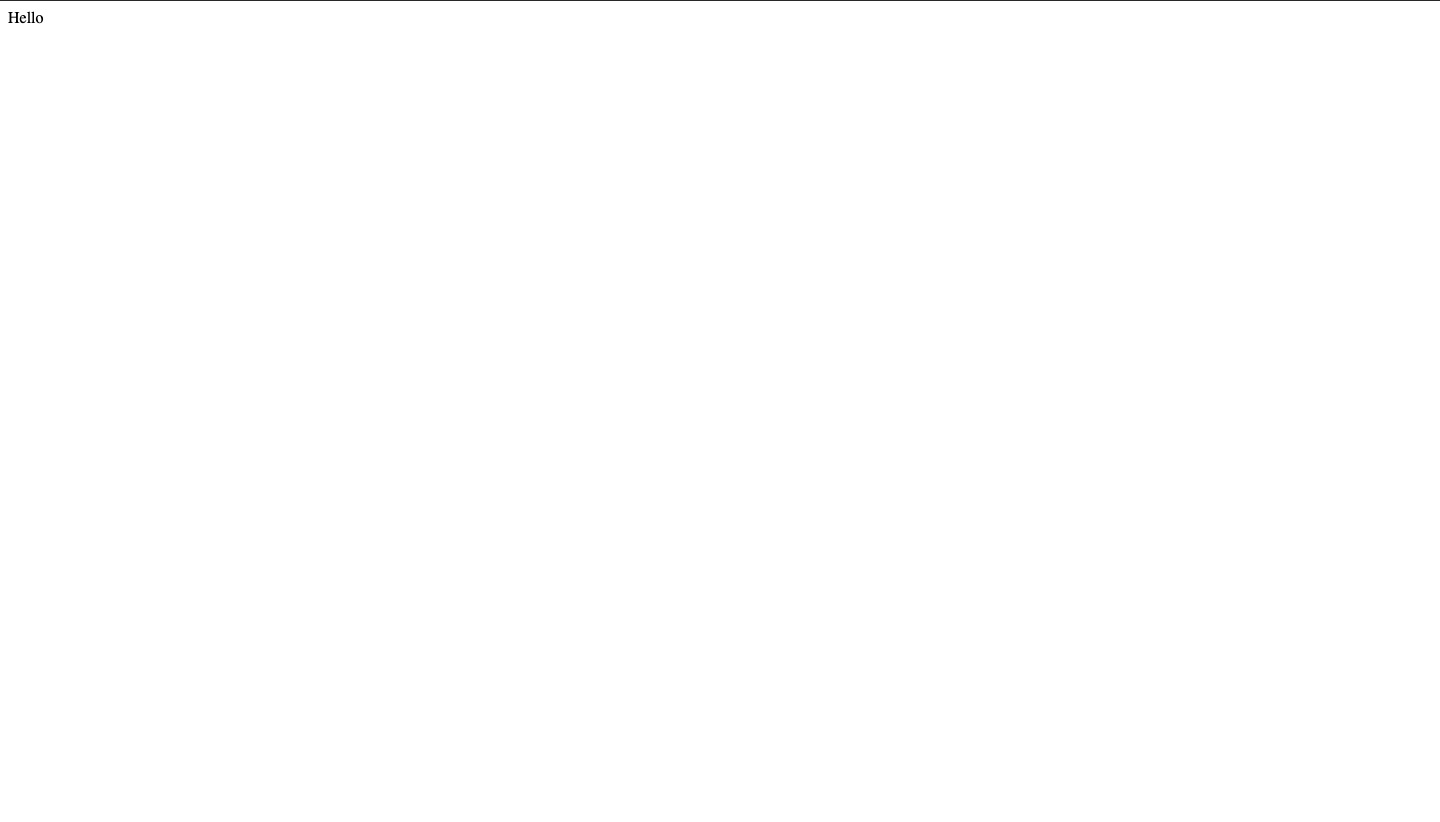
That's it for this episode! In the next one we are going to talk about how to use models and setup our sqlite database! Till then, Stay Tuned!
About the author
I am a developer from Delhi, India
Comments
Join the discussionNo comments yet. Be the first to comment.
Complete Beginners Guide to Django
In this series, I will walk you through everything needed to become a Django Developer. However, the pre-requisite of this series, is that you are well versed with Python.