My attempt at creating a unique portfolio website! Hint: Terminal
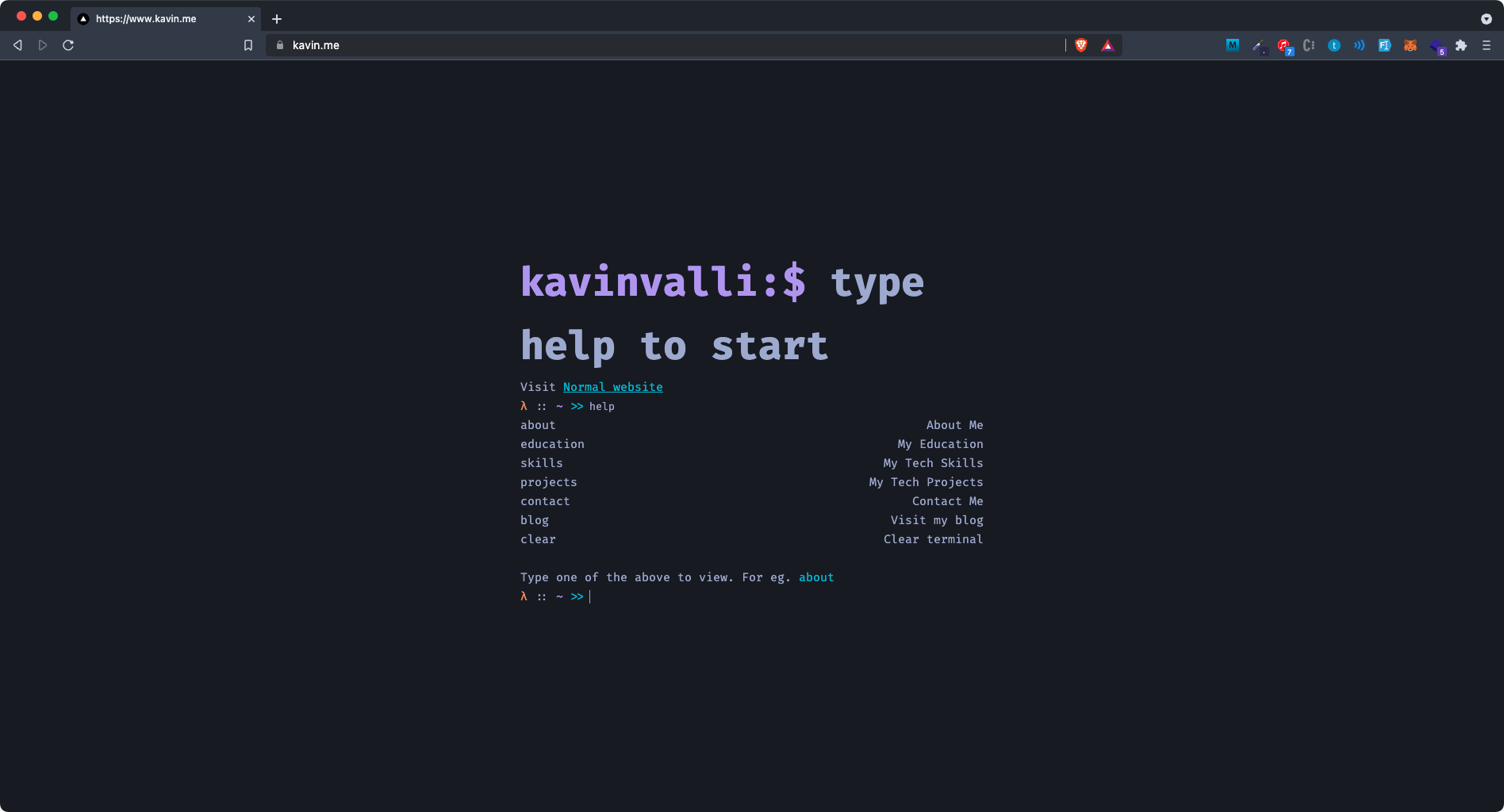
I created my portfolio website a few months ago and tried to make it as unique as possible and came up with the idea of a terminal based website. You can find it here
It takes in a command (you can list all commands you can use by typing help and then typing the command) and displays an output much like a proper terminal.
I used HTML, CSS, and Vanilla Javascript which I regret sometimes because of how hard it is to maintain now. I might add Parcel later to make it easier to bundle the code. But for now it's how it is and you can find the code in the Github Embed below!
Update (26/10/2021): The website is now made using NextJS
Oh, there is also a normal mode on the website if you don't want to use the terminal mode. I'll love some feedback on the website and drop your portfolio links below too!
I also later created a normal design website which can be found here and the code for that is in this repo:
About the author
I am a developer from Delhi, India
Comments
Join the discussionHi Kavin! Your website is really nice and i have noticed that you changed certain looks in the website which makes it better. Its a motivation for me to create my own personal website and i have (https://ved235.github.io/) i am still working on it! I am currently in 8th grade and share the love for programming as you do.
the link to it is ved235.github.io/
Really Nice Website, I am gona use it as mine own portfolio too, by changing color pallet and creating it into react.
Anyways, Thanks for the idea. Great Attempt
Thank you! Would love it if you could share your Github Repository after you're done, if you don't mind.
Kavin Desi Valli Sure I will
Rajvir Singh I ended up creating a NextJS implementation of the same in the same repository